
Help center / Payments & money
Manage gift cards
Add a gift card by hand, check what's left on each card, resend one, or void it.
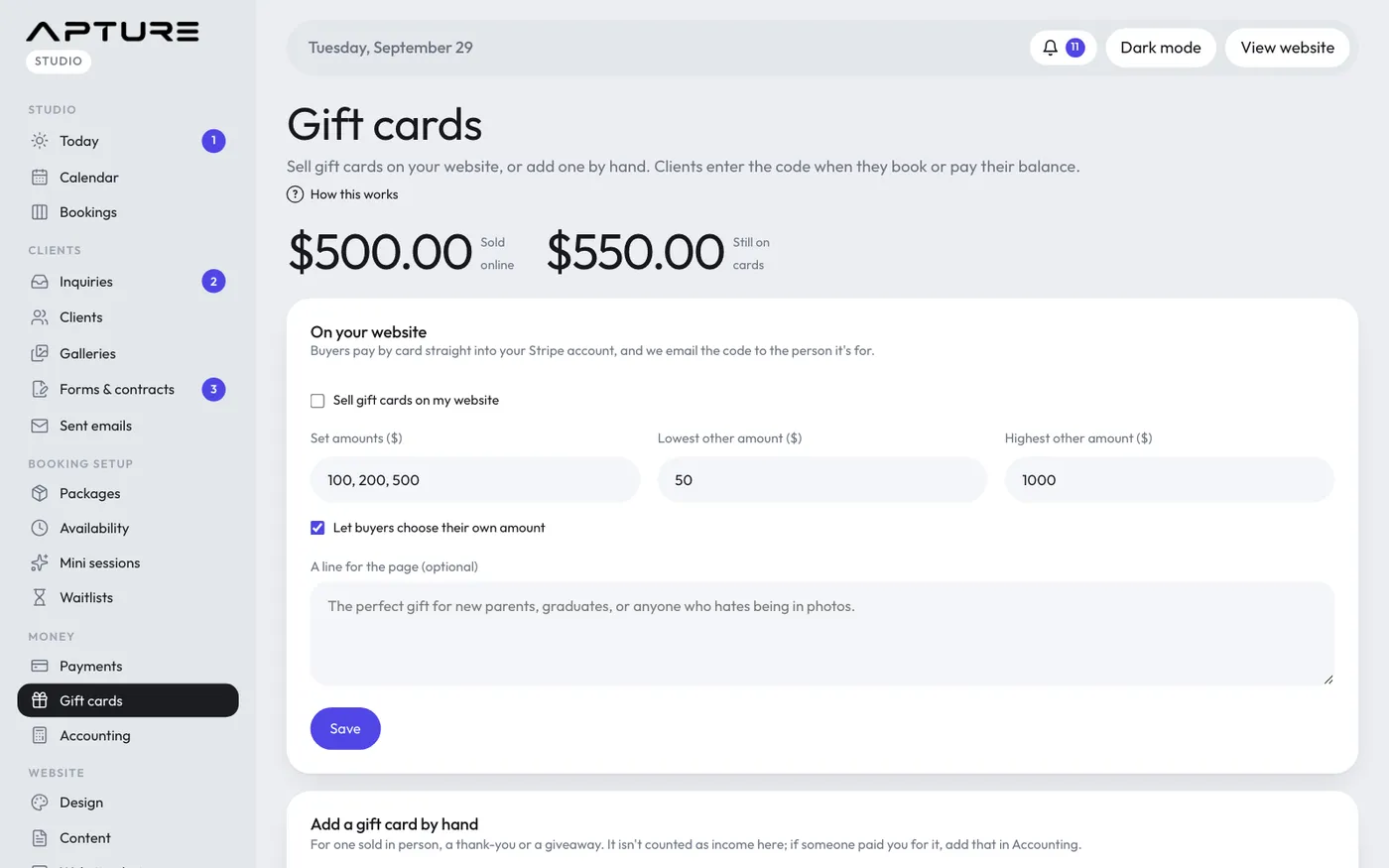
Everything about your gift cards is on Money > Gift cards.
Add a gift card by hand
For one you sold in person, a thank-you or a giveaway prize. This works without Stripe.
- Under Add a gift card by hand, enter the Amount ($), from $1 to $10,000.
- Enter who it's For and Their email.
- From is your studio name unless you type another. Add a Message if you like.
- Leave Email the card to them now ticked to send it straight away, or untick it to give them the code yourself.
- Click Add gift card.
The new code shows at the top of the page.
A card added by hand isn't counted as income. If someone paid you for it, add that money as income on Money > Accounting.
See balances
The top of the page shows Sold online (all time) and how much is Still on cards across every active card.
The list shows Cards with money left. Click Show all to include used-up and void cards. Each card shows:
- Its code, and whether it was sold online or added by hand, with the date
- Who it's for and who it's from
- Its value and what's Left
- Up to two bookings it was used on, linked, and how many more
- Its status: active, used up or void
Send it again
If the recipient lost their email, click Send again on the card. It goes to the recipient email on the card.
Void a card
Click Void, then click again to confirm. The card can't be used anymore. Anything already spent stays spent on those bookings.
Money going back on a card
If a client paid part of a booking with a card and the booking is cancelled, put that money back on the card from the booking. See Refunds.