
Help center / Account & billing
Export your data
Download your records and full-size gallery photos any time.
Everything in your studio is yours. You can download it any time, and take it with you if you leave.
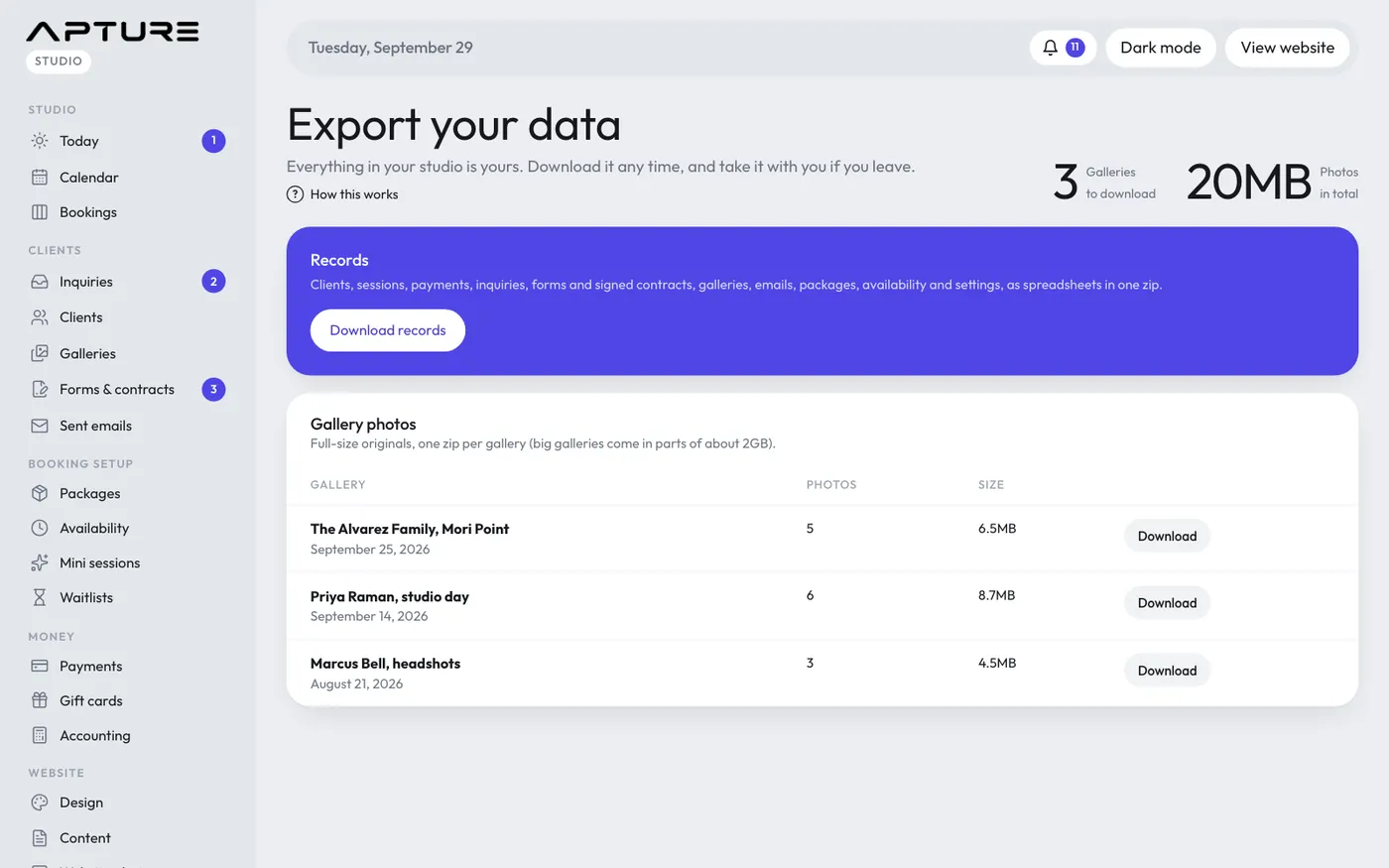
Go to Account > Export your data. Only the studio owner can open this page.
Records
Click Download records to get one zip file of spreadsheets. It includes clients, sessions, payments, inquiries, forms and signed contracts, galleries, emails, packages, availability and settings.
If you've uploaded images for your website, click Download website images to get those too.
Gallery photos
The Gallery photos table lists every gallery with its number of photos and size. Click Download next to a gallery to get its full-size originals as a zip.
Big galleries come in parts of about 2GB each, shown as Part 1, Part 2 and so on. Download every part to get the whole gallery.
Before you cancel or delete
Your data stays available while your studio exists, including while a plan is paused. If you're planning to delete your studio, download everything first. Once a studio is deleted, it can't be brought back. See Delete your studio.