
Help center / For your clients
How booking a session works
Picking a session and time, paying the deposit, and what happens after you book.
You can book right on your photographer's website. It takes a few minutes.
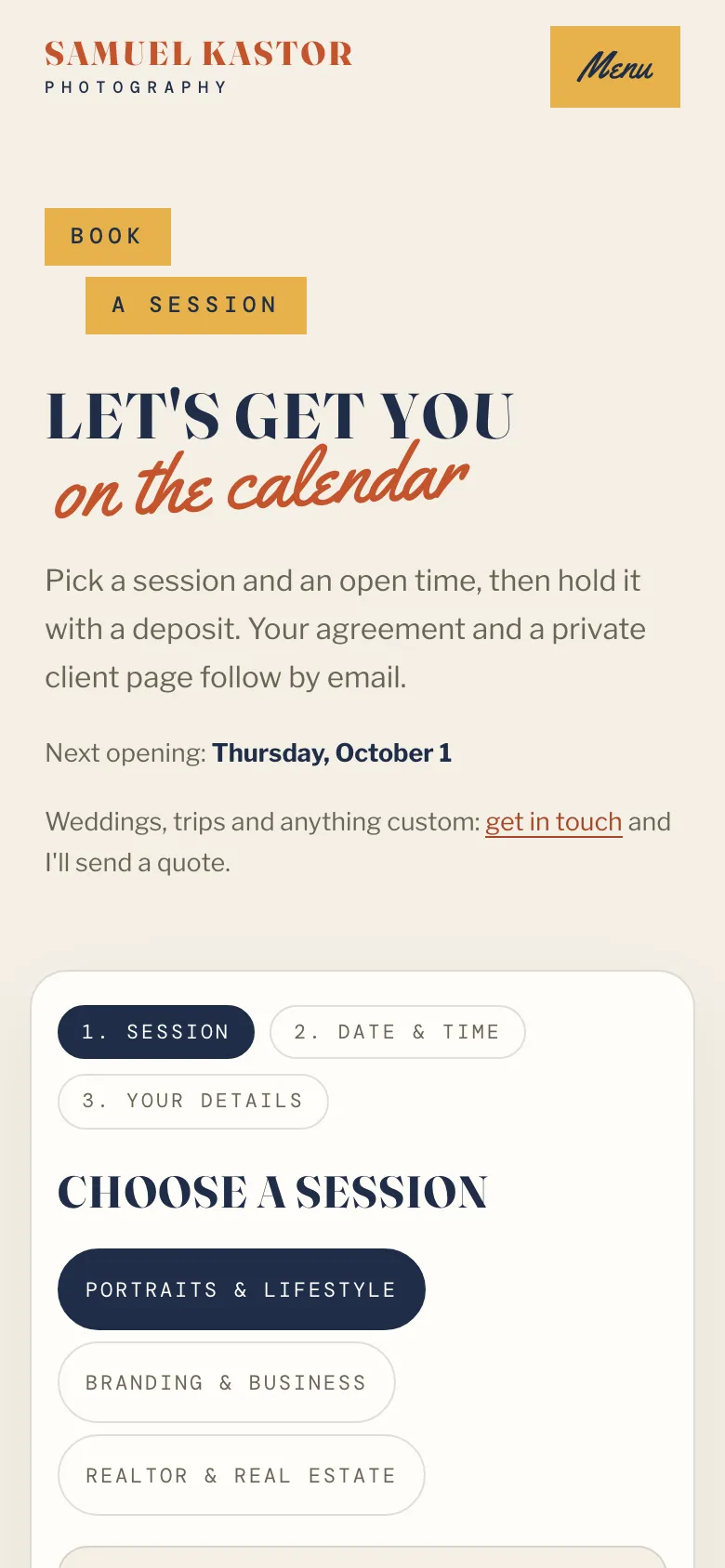
Booking step by step
- Choose a session. Pick the kind of session you'd like. If there are tabs at the top, they group the sessions by type.
- Pick a date & time. Choose a day on the calendar, then an open time.
- Your details. Add your name, email and what we're shooting. A phone number, a location and notes are optional. You may also see extras you can add, and boxes for a discount code or a gift card.
- Check the summary. It shows the total, what's due today (the deposit) and the balance left to pay before your session.
- Click the Pay deposit button (it shows the amount). You go to a secure checkout page to pay by card.
While you pay, your time is held for you for 30 minutes, so nobody else can take it.
After you book
You'll get:
- a confirmation email saying you're booked, with a link to your client portal
- your contract to sign, in a separate email, if your photographer uses one
- a receipt for your deposit
Your portal is where you sign any contract, fill in a short questionnaire, pay your balance and later find your photos. See Your client portal.
If your photographer held a time for you
Sometimes your photographer holds a specific time just for you and emails you about it. The email says how long the time is held. Click Book this time in that email and it opens the booking page with your time already picked. Use the same email address the hold was sent to, because only that address can book it.
Paying with a gift card
If a gift card covers the whole deposit, there's nothing to pay today. The button says Confirm booking instead, and your time is booked straight away. See Using a gift card.