
Help center / Account & billing
Use Apture on your phone
Add Apture to your home screen so it opens like an app, and get a notice on your phone for new inquiries, bookings, payments and signed contracts.
There's nothing to download from an app store. Apture's admin works in your phone's browser, and you can add it to your home screen so it opens full screen, like an app. Once it's there, you can also get notices on your phone the moment something happens in your studio.
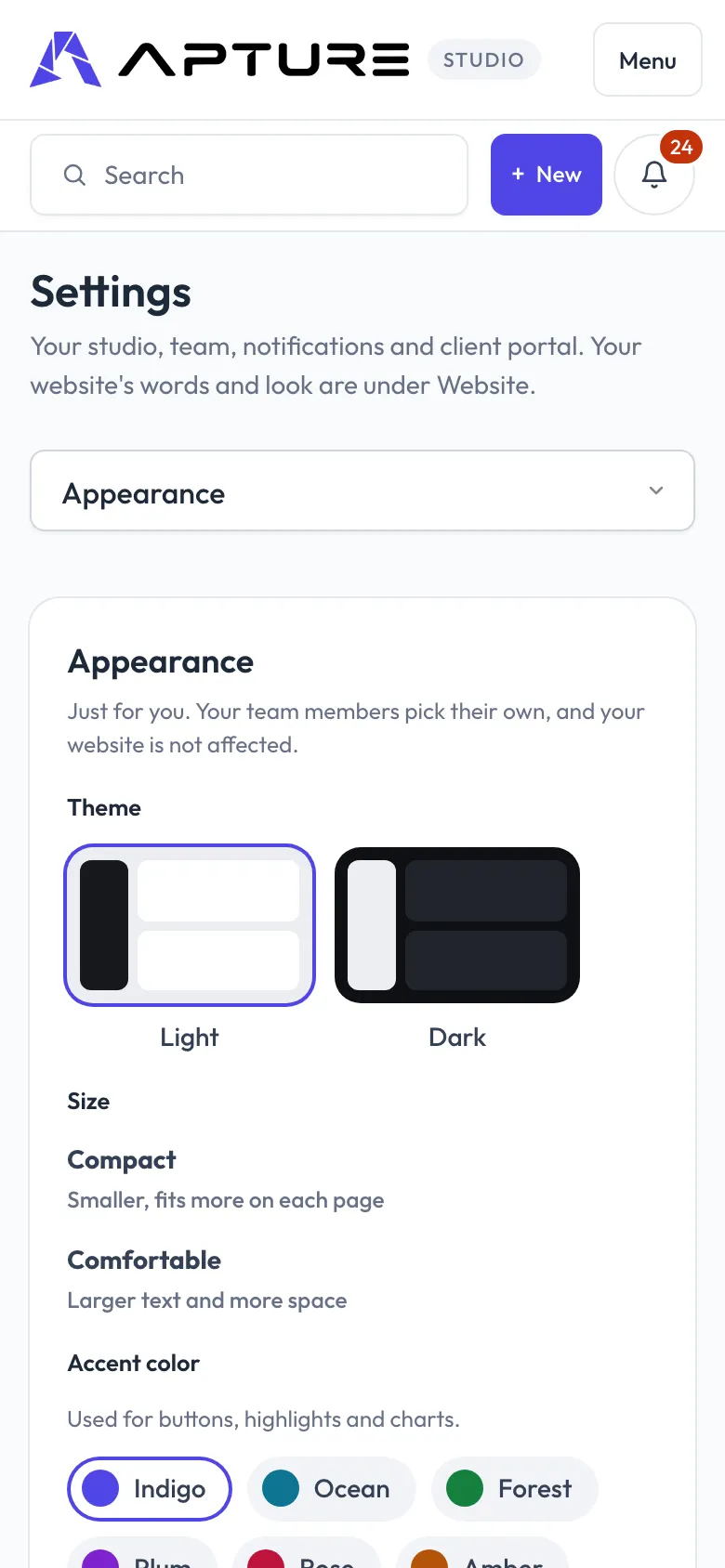
Add Apture to your home screen
On an iPhone:
- Open your Apture admin in Safari and sign in.
- Tap Share, then Add to Home Screen.
- Tap Add. Apture appears on your home screen with its icon.
On Android:
- Open your Apture admin in your browser and sign in.
- Open the browser menu and tap Install app.
Open Apture from the new icon. It opens straight into your admin, without the browser's address bar. The same steps are on your phone under Settings > Appearance, in the Apture on this phone card. Team members find it under Your account > Appearance.
Turn on notices
Notices are little alerts on your phone for new inquiries, bookings, payments and signed contracts. Tap one to open that page in Apture.
- On your phone, open Apture. On an iPhone, open it from the home screen icon: notices only work once Apture is on your home screen.
- Go to Settings > Appearance (or Your account > Appearance) and find Apture on this phone.
- Tap Turn on notices.
- When your phone asks, allow notifications.
The card then says notices are on for this device. Notices are set up per device, so do this on each phone you want them on.
To stop them, tap Turn off on this device in the same card.
If it doesn't work
The card tells you what's in the way:
- "Add Apture to your home screen first": on an iPhone, add it to your home screen, open it from there, and come back to the card.
- "Notices are blocked for Apture": you said no when your phone asked. Allow notifications for Apture in your phone's or browser's settings, then come back.
- "Notices on your phone aren't switched on for Apture yet": notices aren't available yet. Adding Apture to your home screen still works.
- "This browser can't show notices from Apture": try your phone's main browser, Safari on an iPhone or Chrome on Android.
If turning them on fails, the card says so. Try again, and check that notifications are allowed for Apture in your phone's Settings.